IPTV Smarters Tutorial: Ultimate Guide to Set Up Yeah IPTV (2025)
Welcome to our IPTV Smarters Tutorial, your complete step-by-step guide to installing Yeah IPTV on any Android or iOS device using the IPTV Smarters Pro app.
IPTV Smarters Pro is one of the most popular apps to stream IPTV on mobile, tablet, and Android TV devices. It offers a user-friendly interface, compatibility with Xtream Codes, and features like EPG, recordings, and VOD.
– Why Use IPTV Smarters with Yeah IPTV?
This IPTV Smarters Tutorial makes it easy for new users to configure IPTV services without any technical knowledge. All you need is your login credentials, and you’ll be streaming live channels in minutes.
What You Need Before Starting:
A valid Yeah IPTV subscription (You can getet one here)
Your Xtream Codes credentials (sent to your email)
A supported device (Android phone, tablet, Android TV box, or iOS device)
The IPTV Smarters Pro app (free to download)
Important Note:⚠️ IPTV Smarters is not supported on LG or Samsung Smart TVs. Use Android-based systems for best results.
Step-by-Step IPTV Smarters Setup
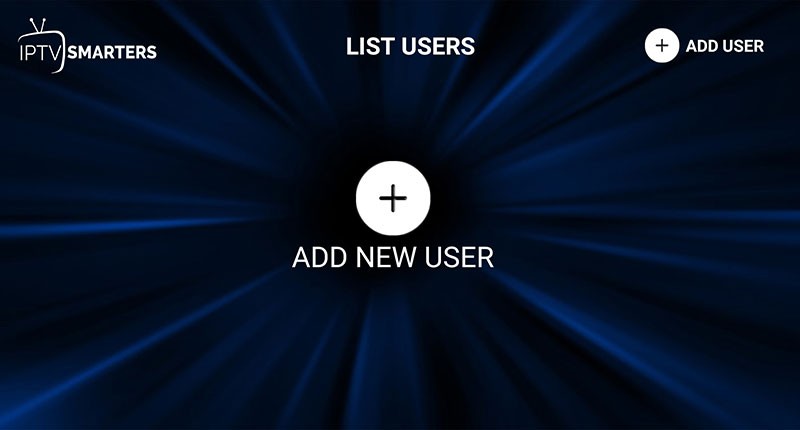
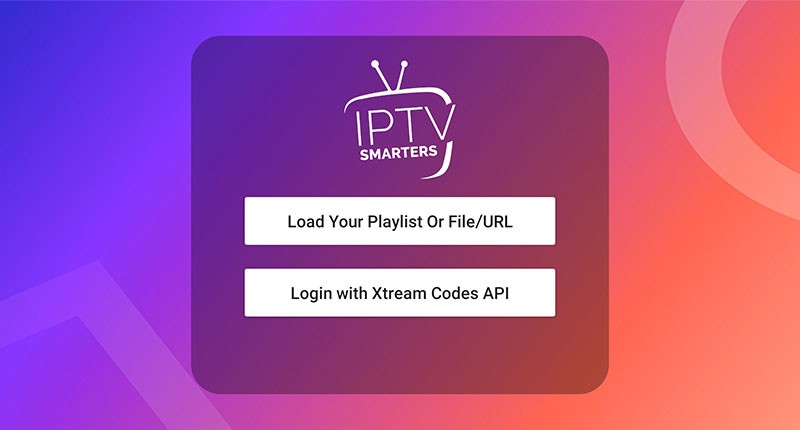
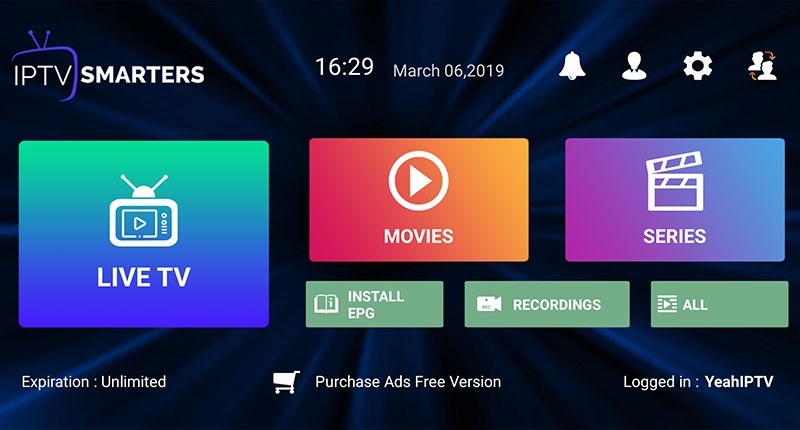
Follow this IPTV Smarters Tutorial to get started:
Download the App:
Search for IPTV Smarters Pro on Google Play or Apple App Store